.png?width=1322&height=525&name=LEANSITE%20LOGO%20(COLORED).png)
This is the front-door guide to work-order creation. It explains the shared work details and the decision between internal and external fulfilment. Separate articles cover marketplace bidding, preferred vendors, bulk creation, recurrence and later work-order management.
Before you startConfirm the property and any affected asset. Prepare a clear title, description, service category, priority, schedule, checklist, notes and supporting documents. For external work, confirm the available property budget and the appropriate NTE.
1. Start Create Work OrderOpen Work Order or select the property-scoped work-order action from Property Details. Start Create Work Order. A property-scoped start should carry the selected property into the new record; check it before continuing.
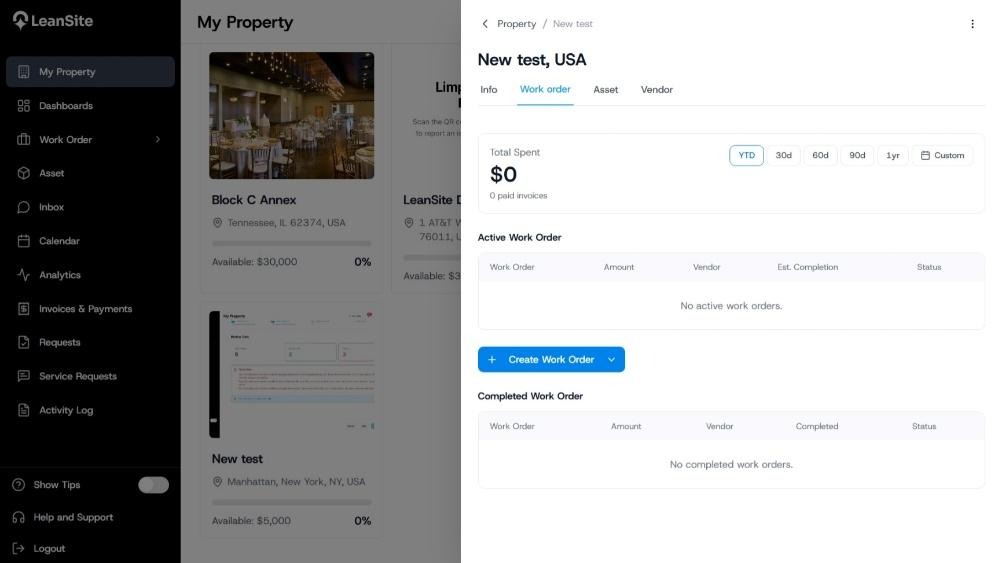
Alt text: Property page showing the action used to create a work order for that property.
Select the property or location and the affected asset when the job concerns a recorded asset. Choose the service category, then enter a specific title and description. State what is wrong, where it is, the required outcome and any access or safety information. Add a checklist when completion must be proved through several actions. Attach photographs or documents that help the assignee assess the job.
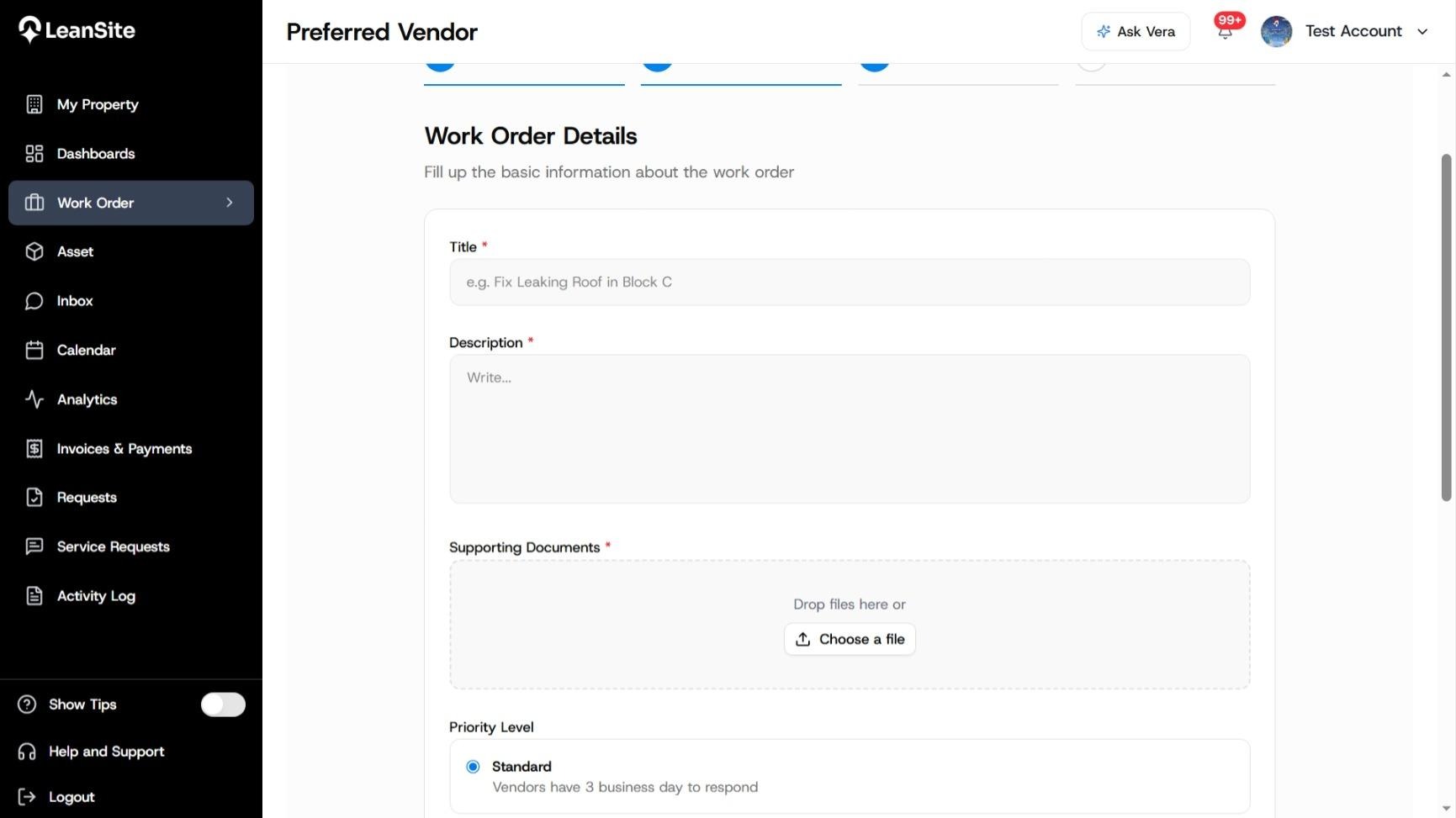
Alt text: Work-order details form showing the title, description, service category, priority and supporting information.
Select Internal Team at the assignment decision. LeanSite shows teams available for the work order’s property and service category. Choose the eligible team. Internal work bypasses the preferred-vendor and marketplace paths, and the external NTE and budget controls do not apply to this route.
After submission, the Team Lead receives the work in the Workforce experience and assigns it to a Team Member. The assigned member receives the task in the LeanSite Agent app, records progress and completes the checklist and evidence. Completion moves the record to Awaiting Verification for the appropriate review path.
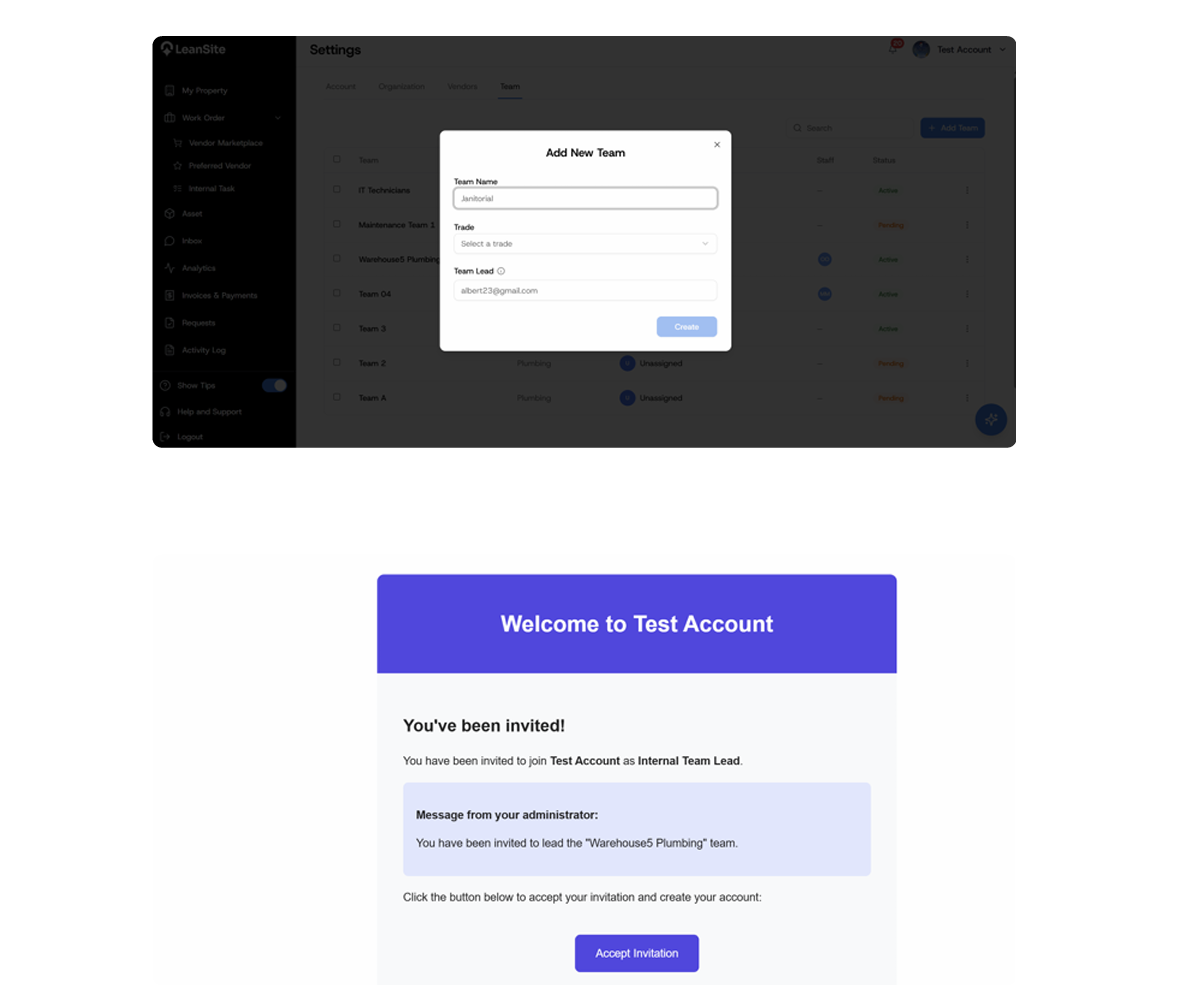
Alt text: Work-order creation with Internal Team selected; internal work-order path from assignment through completion and verification.
4. Choose External Service Provider for outside workSelect External Service Provider when an outside business will complete the job. Continue to the preferred-vendor route when an approved vendor already covers the property and service category. Use the marketplace route when the work needs competitive provider responses. Complete the NTE, response deadline and schedule required by the selected external route.
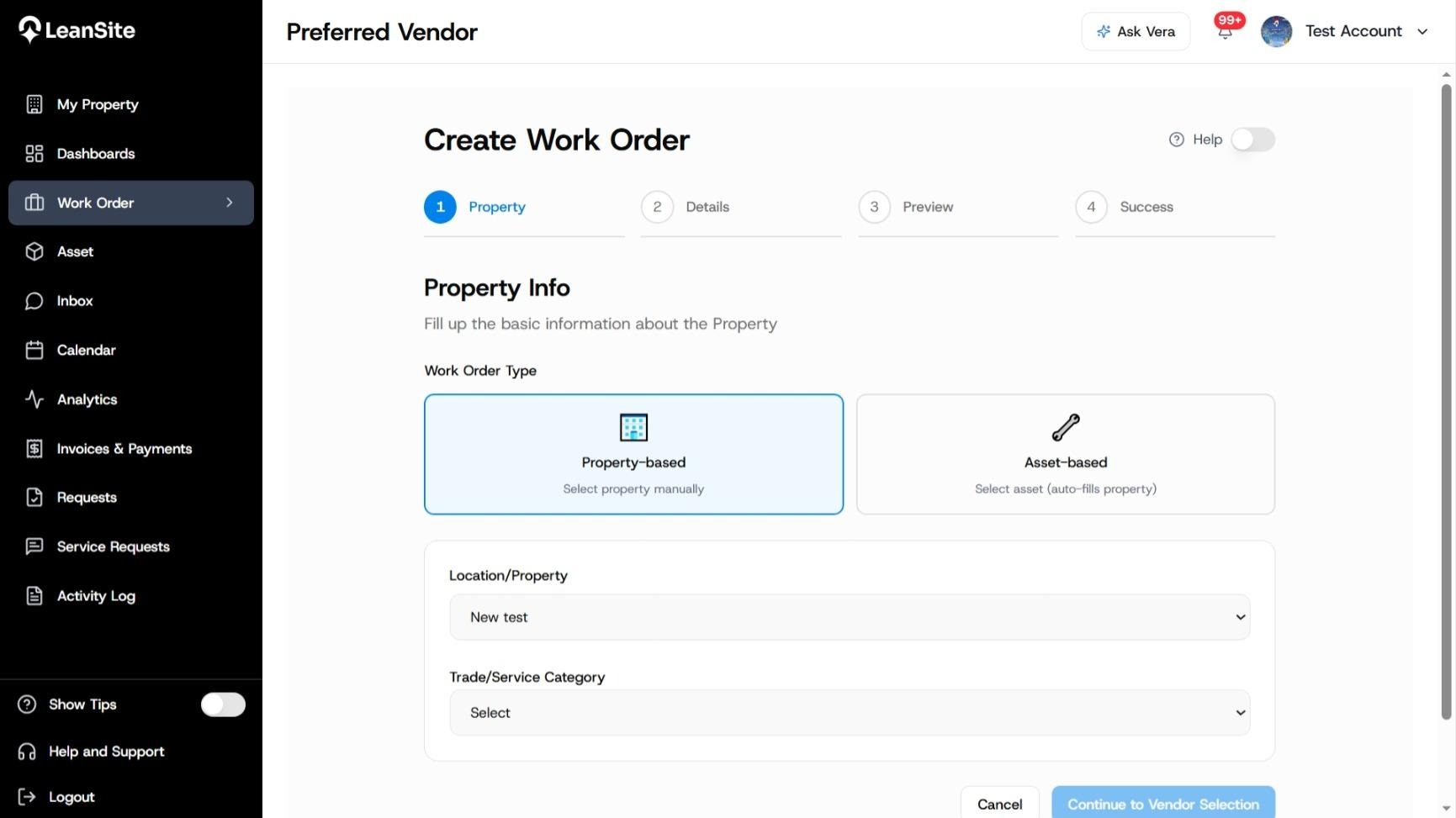
Alt text: Preferred-vendor work-order start
5. Review route-specific consequencesBefore submission, confirm who will receive the work and which controls apply:
|
Decision |
Internal Team |
External Service Provider |
|---|---|---|
|
Assignee |
Property-scoped internal team |
Preferred vendor or marketplace provider |
|
Financial control |
No external NTE in the documented v1 route |
NTE and property-budget checks where supported |
|
Initial hand-off |
Team Lead delegates to a Team Member |
Vendor receives direct work or marketplace opportunity |
|
Field execution |
Workforce Portal and Agent app |
Service Provider experience |
|
Completion hand-off |
Completion proceeds to verification |
External completion and approval follow the selected provider route |
Review the property, asset, assignment route, scope, priority, timing, checklist, attachments and financial controls. Submit the work order. Open the created record and confirm its ID, initial status and assignee or sourcing route. Use the related route guide for bidding, acceptance or delegation details.
Expected resultThe work order contains a complete scope and follows the correct fulfilment path. Internal work reaches the eligible property team. External work reaches the chosen preferred vendor or enters the marketplace with the relevant financial and response controls.
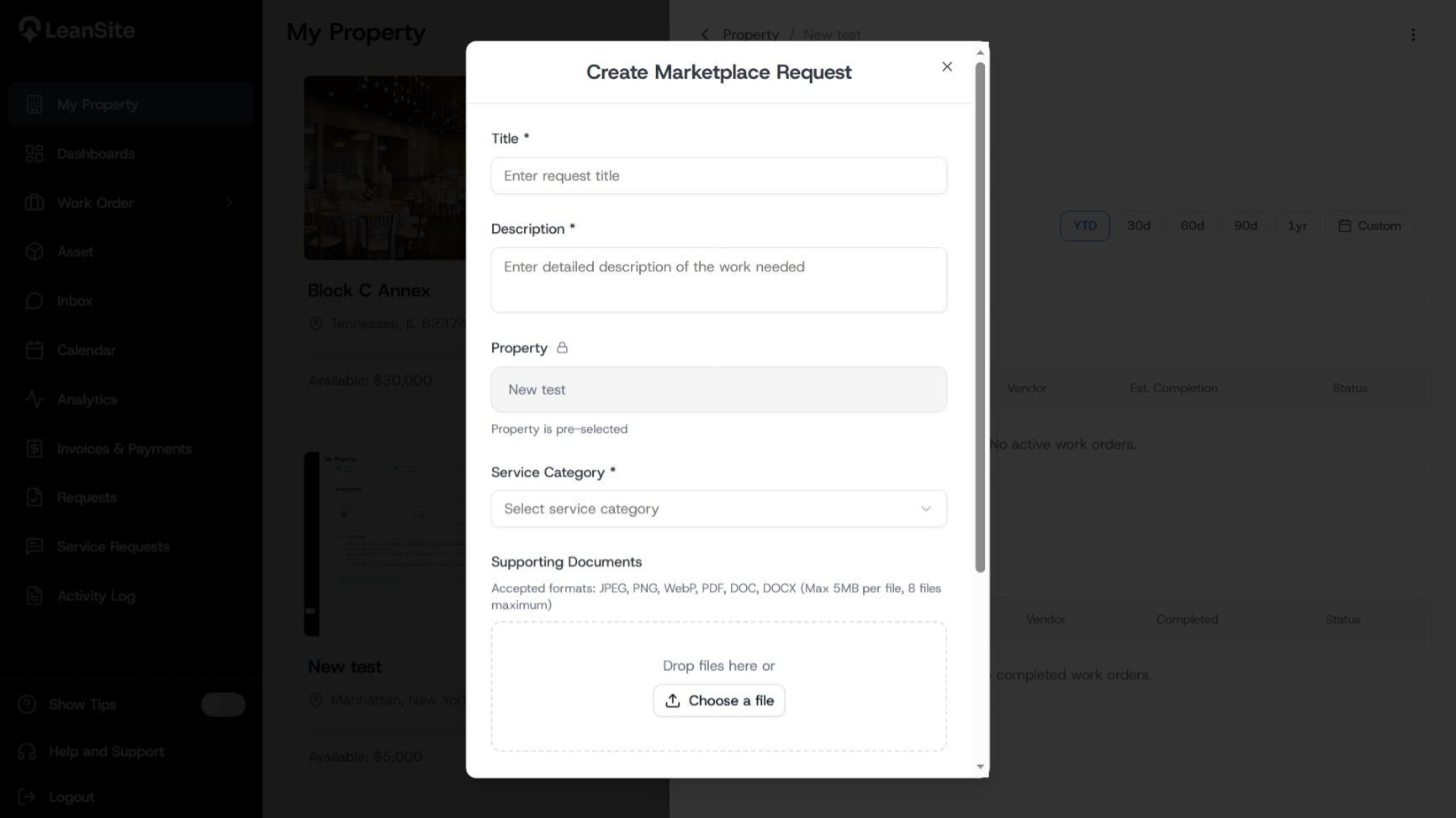
Alt text: Marketplace work-order form
If the expected assignee is unavailableCheck the property’s internal-team or preferred-vendor coverage for the selected service category. Correct the setup before creating the order. Do not choose a different route solely to bypass missing team, vendor or permission configuration.
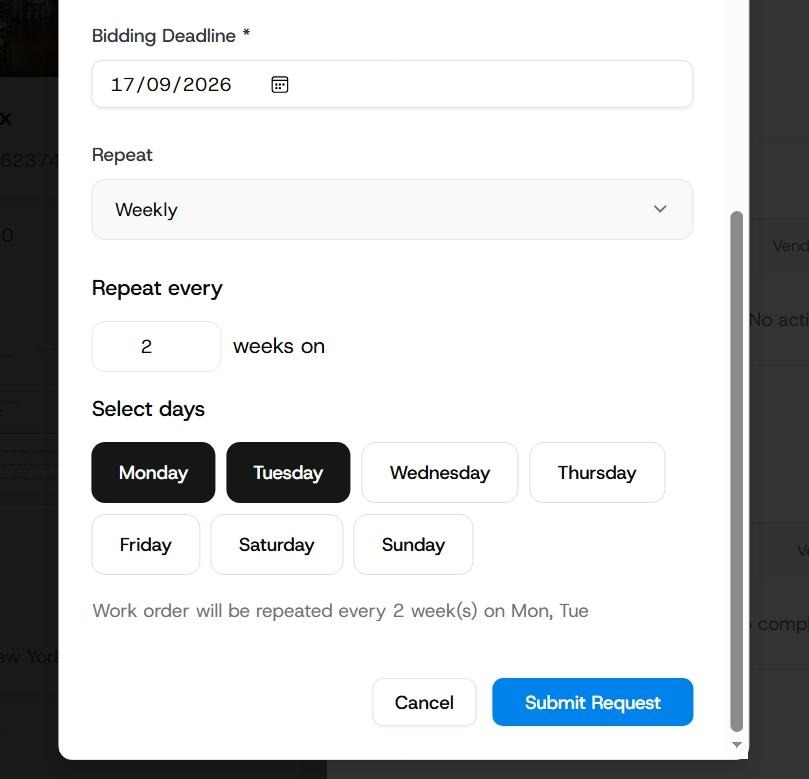
Alt text: Marketplace bidding deadline settings.