.png?width=1322&height=525&name=LEANSITE%20LOGO%20(COLORED).png)
If you need assistance using Leansite or encounter a problem, you can contact the support team through the Help and Support area.
From here, you can create a support ticket, communicate with the support team, and track the status of your requests.
Create a support ticket
- Open Help and Support from the main navigation.
- Click Add New Ticket in the top-right corner.
- Describe the issue in the message box.
- Click Create Ticket.
Your ticket will then appear under Active support threads.
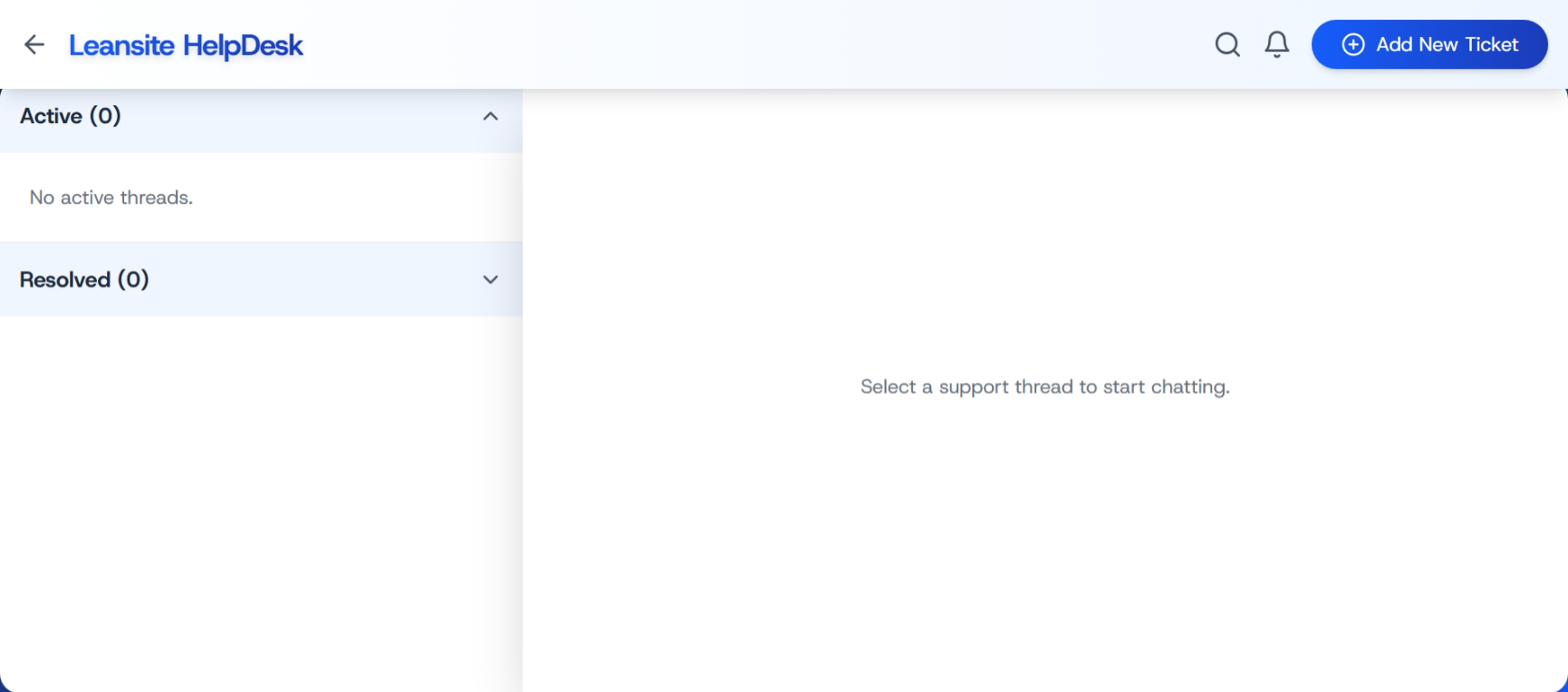
IMAGE: HelpDesk screen showing the Active and Resolved support sections and the Add New Ticket button.
Describe the issue clearly
Include enough information for the support team to understand and investigate the problem. Where relevant, provide:
- What you were trying to do
- What happened instead
- The property, work order, service request, invoice, or asset involved
- Any error message you received
- The date and approximate time of the issue
- A screenshot or other supporting information
Avoid including passwords, payment credentials, or other sensitive information in the ticket.
Follow up on a ticket
Open an active support thread to read replies and continue the conversation with the support team. New replies and updates may also appear through the notification icon in the top navigation.
When a request has been resolved, it moves from Active to Resolved. You can open resolved threads to review the previous conversation.

IMAGE: Create a New Ticket window showing the Describe your issue… field, Cancel, and Create Ticket buttons.
If you have no active tickets
If there are no open support requests, the HelpDesk will show No active threads under the Active section. Click Add New Ticket whenever you need to contact support.
For urgent safety, security, or operational issues, follow your organisation’s emergency escalation process in addition to creating a support ticket.